Choose what you run.
Run GGUF models with llama.cpp or compatible transformer models with PyTorch. vLLM and Ollama are optional integrations and need a separate setup.
Pick a model that fits your hardware.Open source desktop app v0.2-preview for Linux, macOS & Windows
Find and run open models, fine-tune them with your own data, and chat with your documents. It all happens in one desktop workspace.
Local inference LoRA training Document chat
Discover → Organize → Fine-tune → Chat
BUILT FOR LOCAL AI01 / THE WORKSPACE
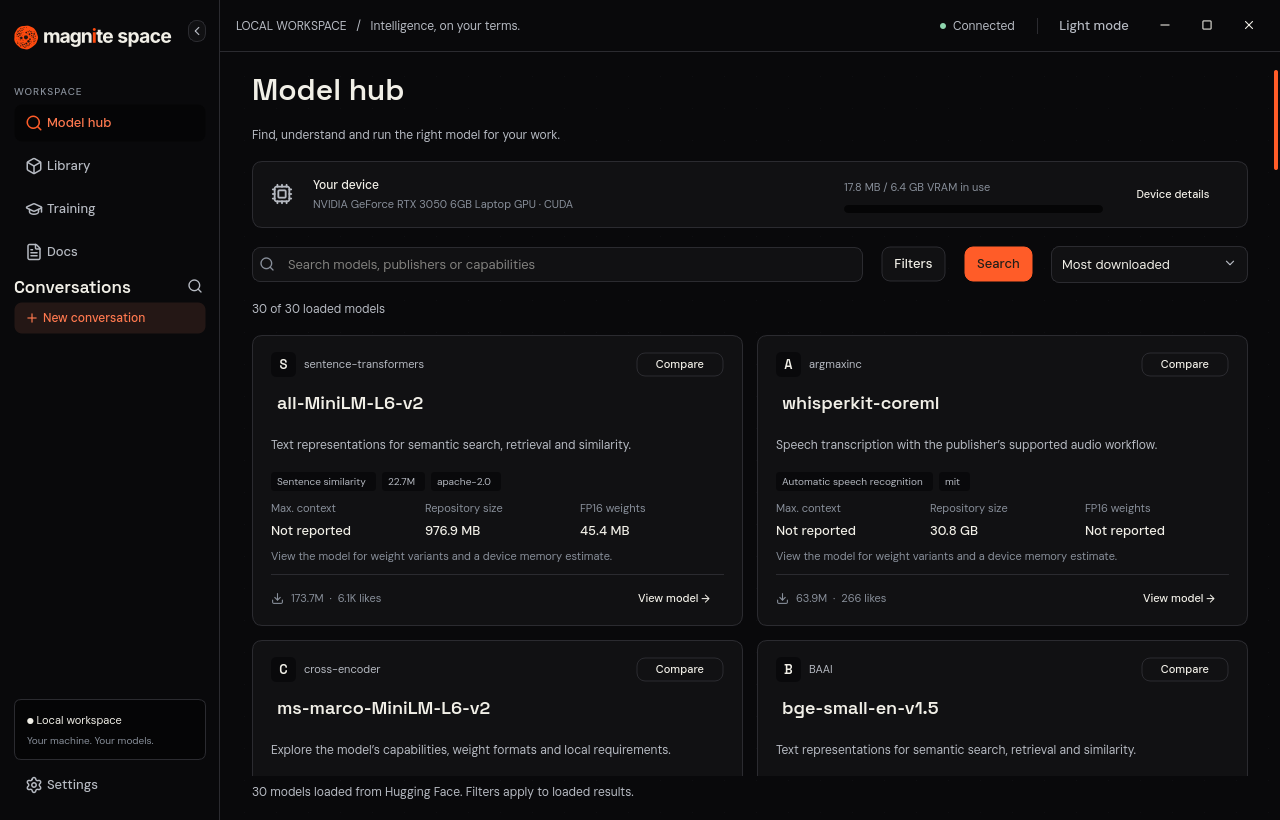
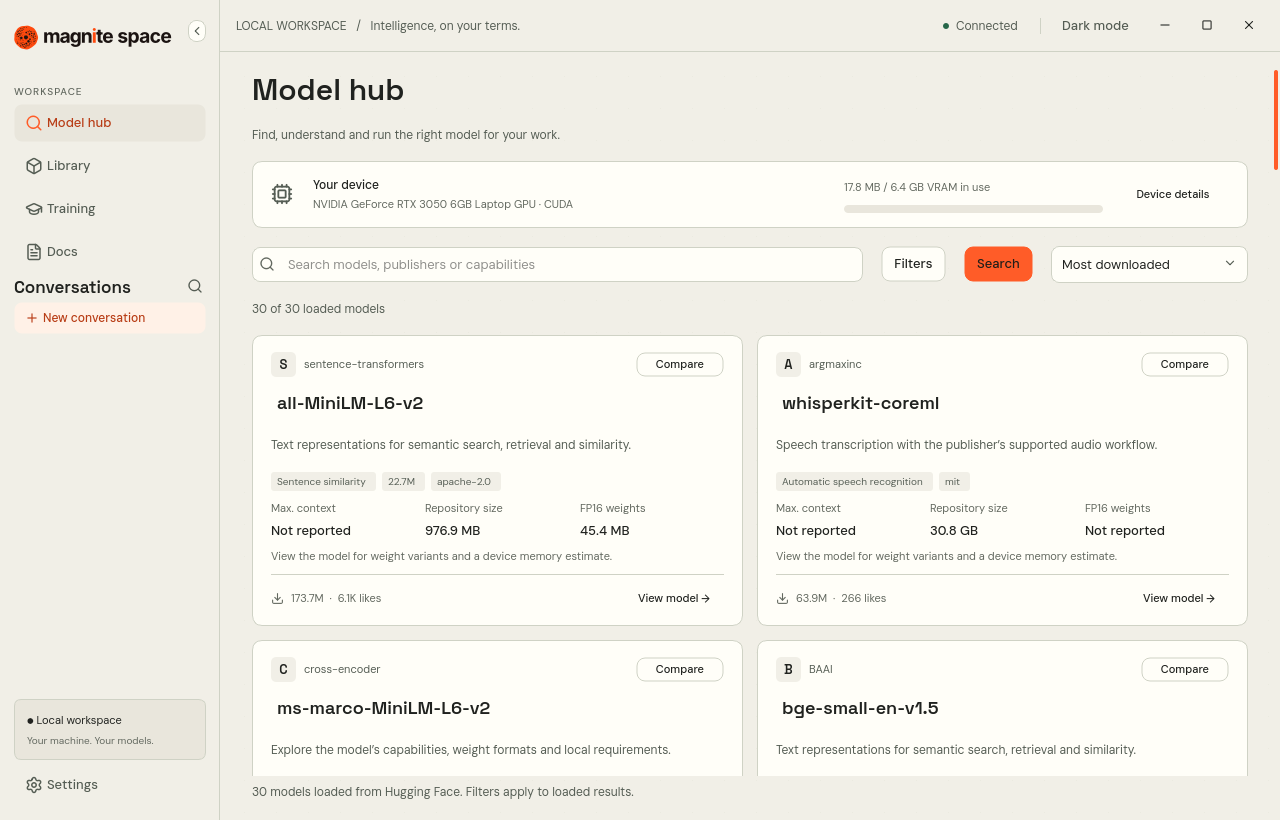
Explore the current desktop interface, from Model Hub to the built-in reference.
Discover models on Hugging Face, compare candidates, and estimate memory needs before downloading weights. Track or cancel downloads from the Hub.
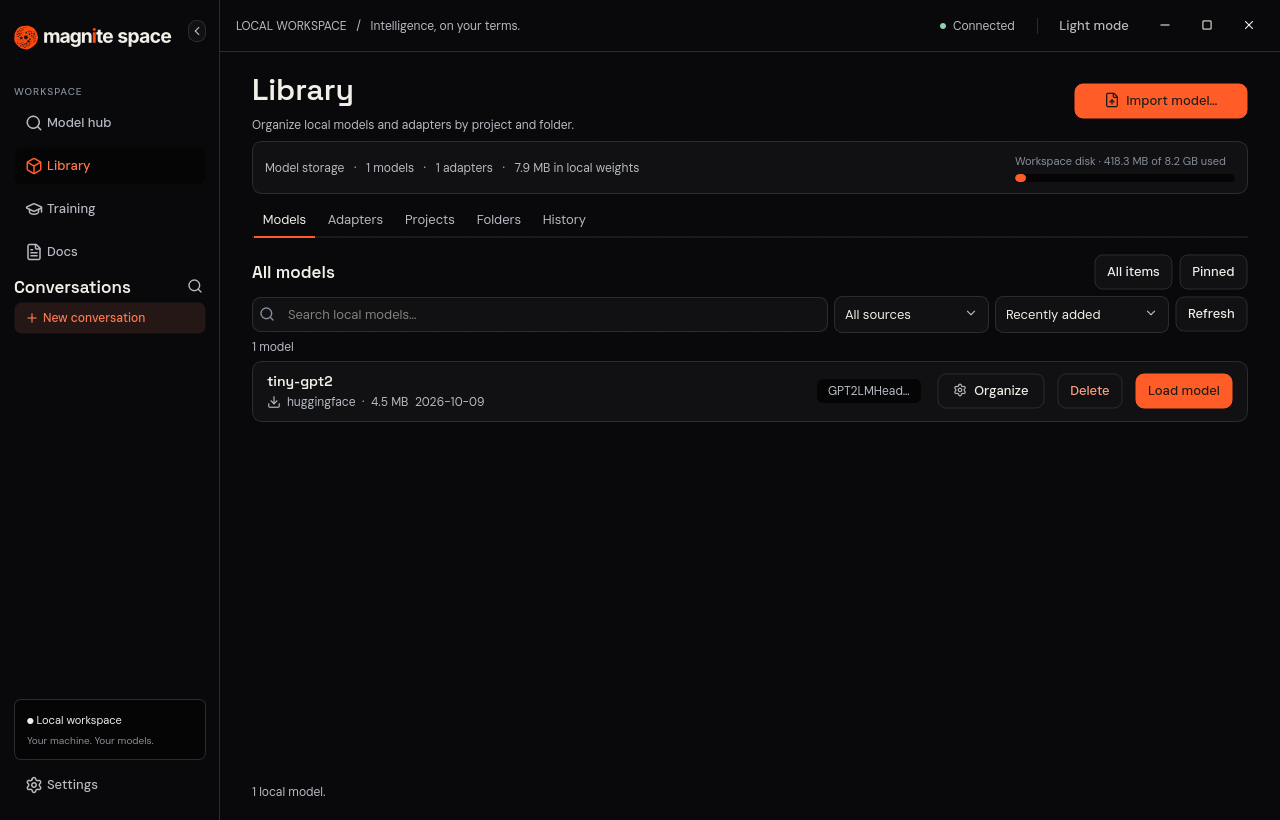
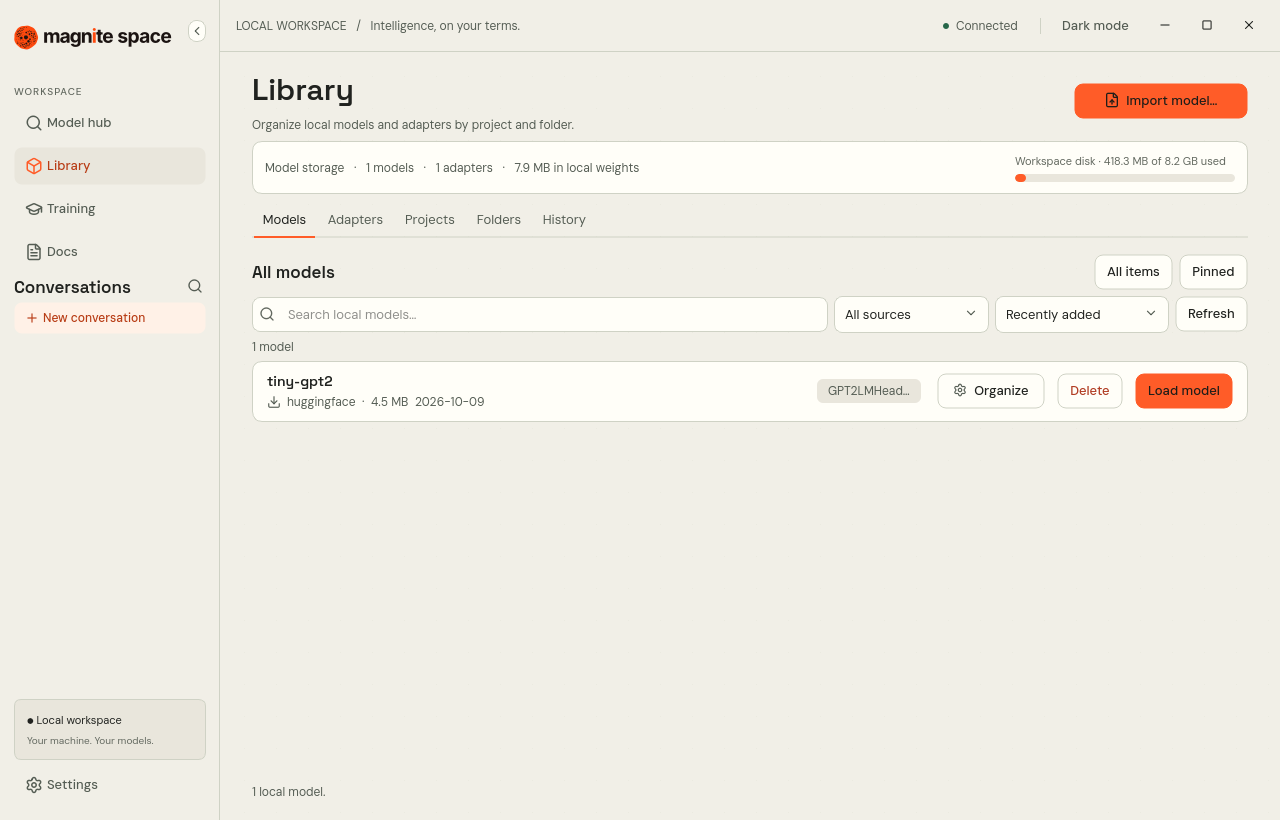
Manage your local weights, group models and adapters into projects and folders, and pin the items you use most. Import, export, or activate a PEFT adapter with a compatible base model.
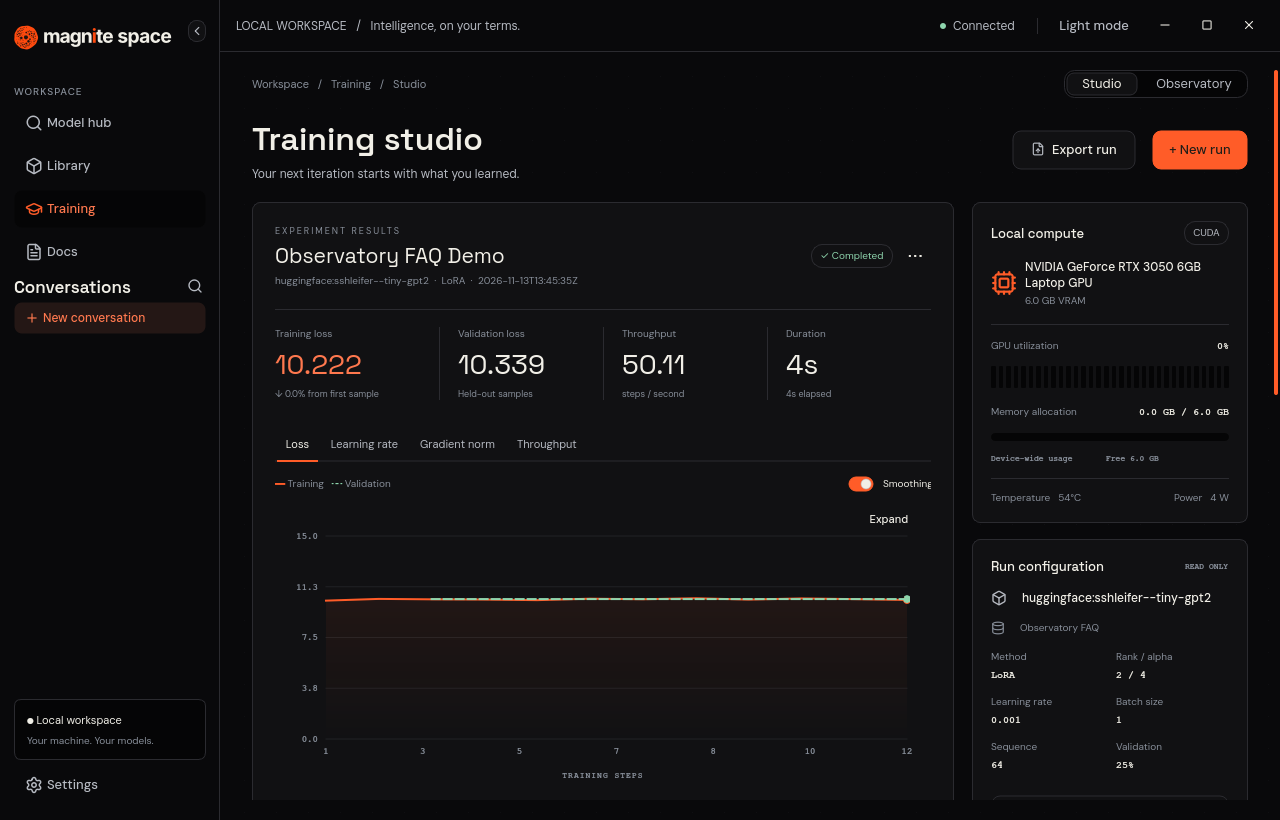
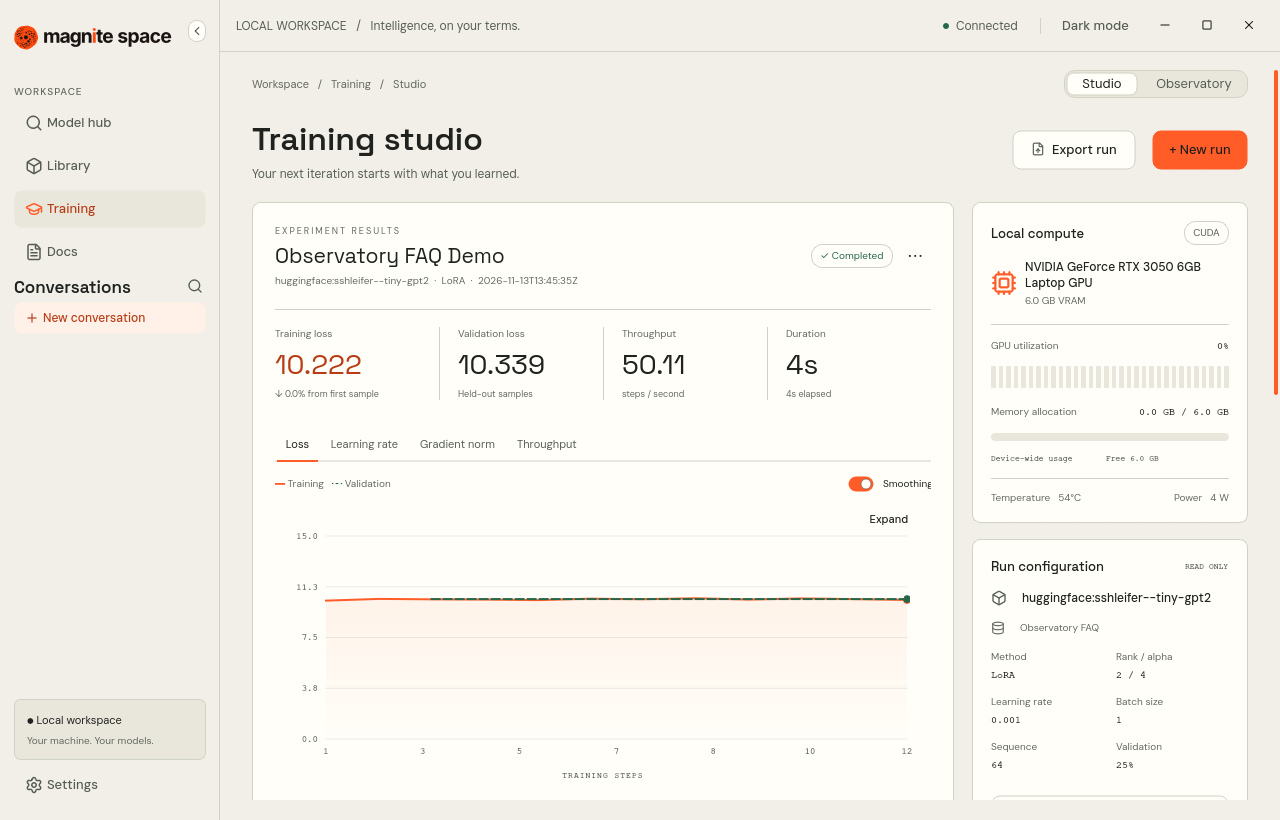
Configure a LoRA or QLoRA run in Studio and follow live metrics. Open Observatory to review past runs, inspect charts, and compare results.
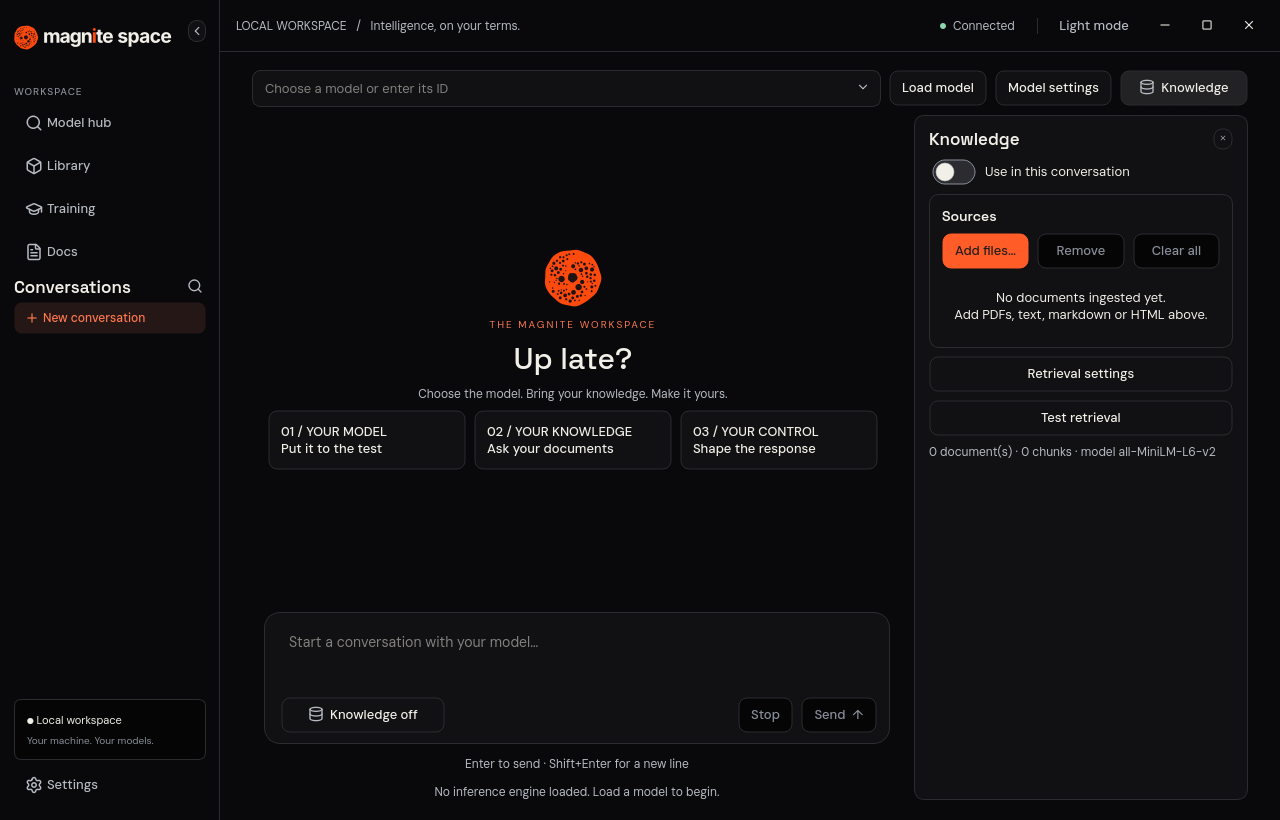
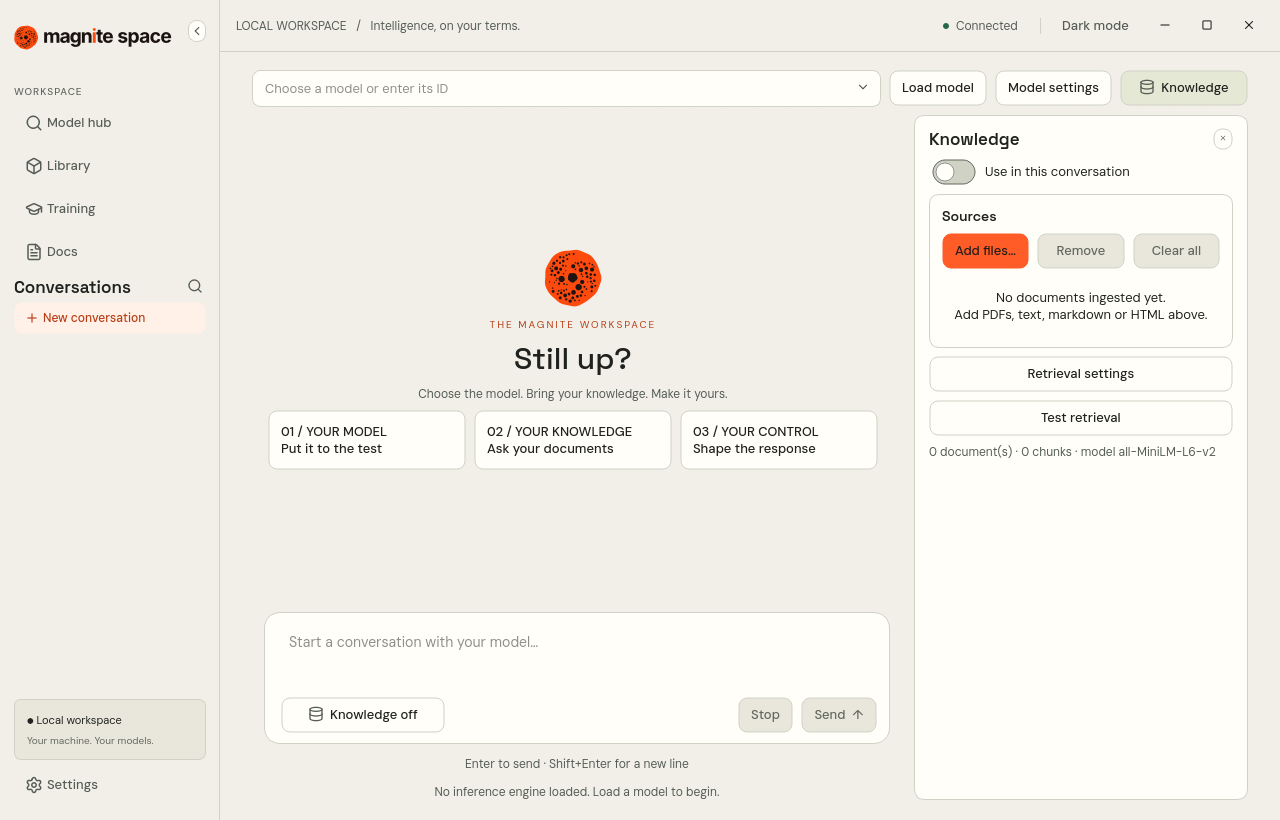
Reopen saved chats, edit and retry prompts, and watch context usage as a conversation grows. Open the Knowledge drawer to add PDFs, text, Markdown, or HTML and choose which sources to use.
Look up model concepts, dataset quality, and how to read training results without leaving the app. The built-in reference works offline and remembers saved articles and reading positions.
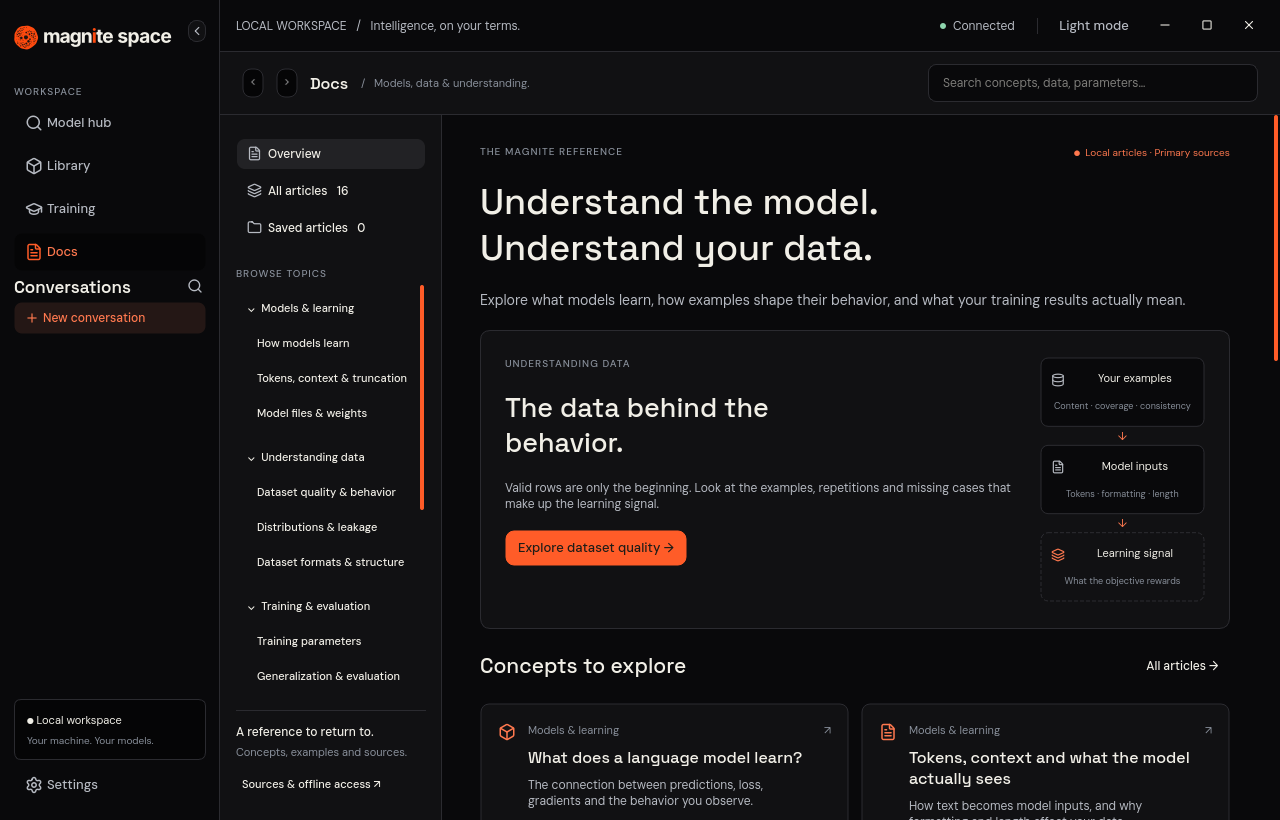
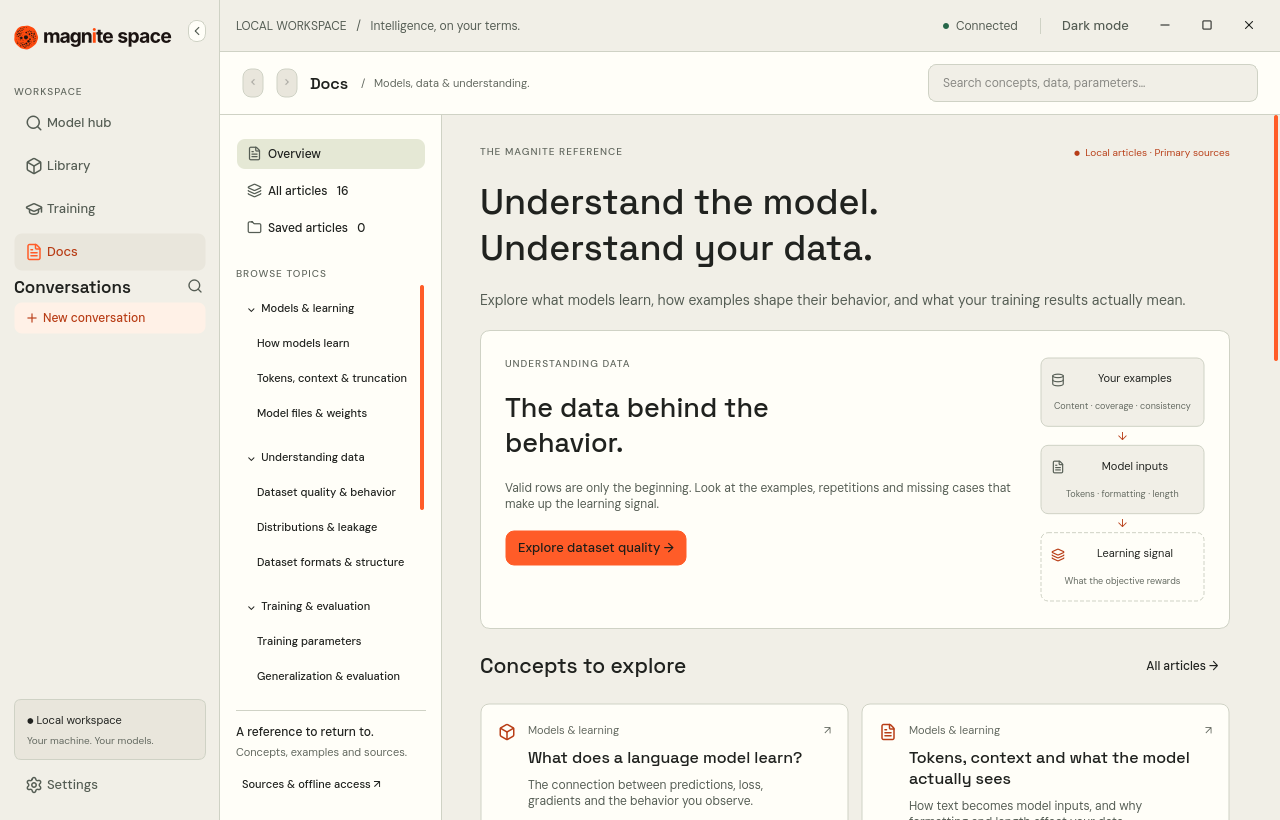
Screenshots from a Magnite Space development build on Linux. Library and Training show a local LoRA demo.
02 / WHY LOCAL
Run GGUF models with llama.cpp or compatible transformer models with PyTorch. vLLM and Ollama are optional integrations and need a separate setup.
Pick a model that fits your hardware.Magnite Space processes documents, trains adapters, and runs local inference on your machine. Saved chats, datasets, and adapters are stored locally.
Magnite Space has no app telemetry.Settings gives you storage controls, appearance and accessibility options, and diagnostics for optional runtime packages.
See storage use and check runtime availability.03 / DOWNLOAD
v0.2-preview is available for Linux, macOS, and Windows. Each package bundles the desktop app and its own Python runtime. Download model weights separately in the app.
The macOS and Windows builds are not signed with a paid certificate yet, so both systems warn on first launch. Only approve a copy whose checksum matches SHA256SUMS.
A FEW THINGS TO KNOW
Yes, v0.2-preview includes the redesigned Model Hub and Library, saved chats, Knowledge inside Conversation, the Training Studio and Observatory, and the offline Docs. Blueprints and Tool mode are still in development and are not in this build. See the release notes and known limitations before relying on the preview.
No. The Linux and Windows packages run models on the CPU, which suits small GGUF models and small LoRA runs. The macOS package uses the Apple GPU through Metal for chat and MPS for training. Memory needs depend on the model and context length. QLoRA needs a supported NVIDIA GPU, so it is not usable with these packages.
Fine-tune compatible transformer base weights with a JSONL, CSV, or plain text dataset. Use GGUF weights for inference. See the workflow guide for supported inputs and adapter workflows.
Settings → Updates checks GitHub for newer previews. Each update is verified against a signature built into the app before anything is installed, and installs only when you choose Restart to install. Your models, datasets, adapters, and chats are not touched. Coming from the Linux v0.1-preview? Download the new AppImage by hand; it opens your existing data.
Local workflows can run offline once the model and any embedding weights are cached. Model Hub searches and first-time downloads contact Hugging Face, and update checks contact GitHub unless you turn them off. If you configure Ollama, requests go to its service URL. See storage and privacy.
Intelligence on your terms.
Get Magnite Space